
Download Ink DVD-writer – CD and DVD Burner, Data, Music, Video, Image Creator
Overview
Ink DVD-writer is a compact, resource-efficient mobile application designed for users seeking a streamlined solution to burn data, music, and video content onto CDs and DVDs. The app provides a straightforward interface that simplifies the disc-burning process, making it accessible even to users with limited technical experience. Its primary purpose is to serve as a lightweight alternative to full-featured disc-burning software, enabling users to create and manage disc images, as well as burn content with minimal system impact.
Target users include individuals who need to archive files, back up multimedia content, or distribute data via physical discs. It is particularly useful for those working in environments where system performance must be preserved, such as older computers or devices with limited storage. The app supports multiple content types, including data files, audio tracks, and video formats, allowing users to customize their disc creation based on specific needs.
Although the developer did not provide additional background information, the app’s release date of September 30, 2010, suggests it was created during a time when physical media remained a common method for data transfer. Its continued relevance indicates a niche but enduring demand for lightweight, no-frills burning tools. Ink DVD-writer fills a gap in the mobile app ecosystem by offering a dedicated utility for disc management without the bloat of larger applications.
Key Features & Functionality
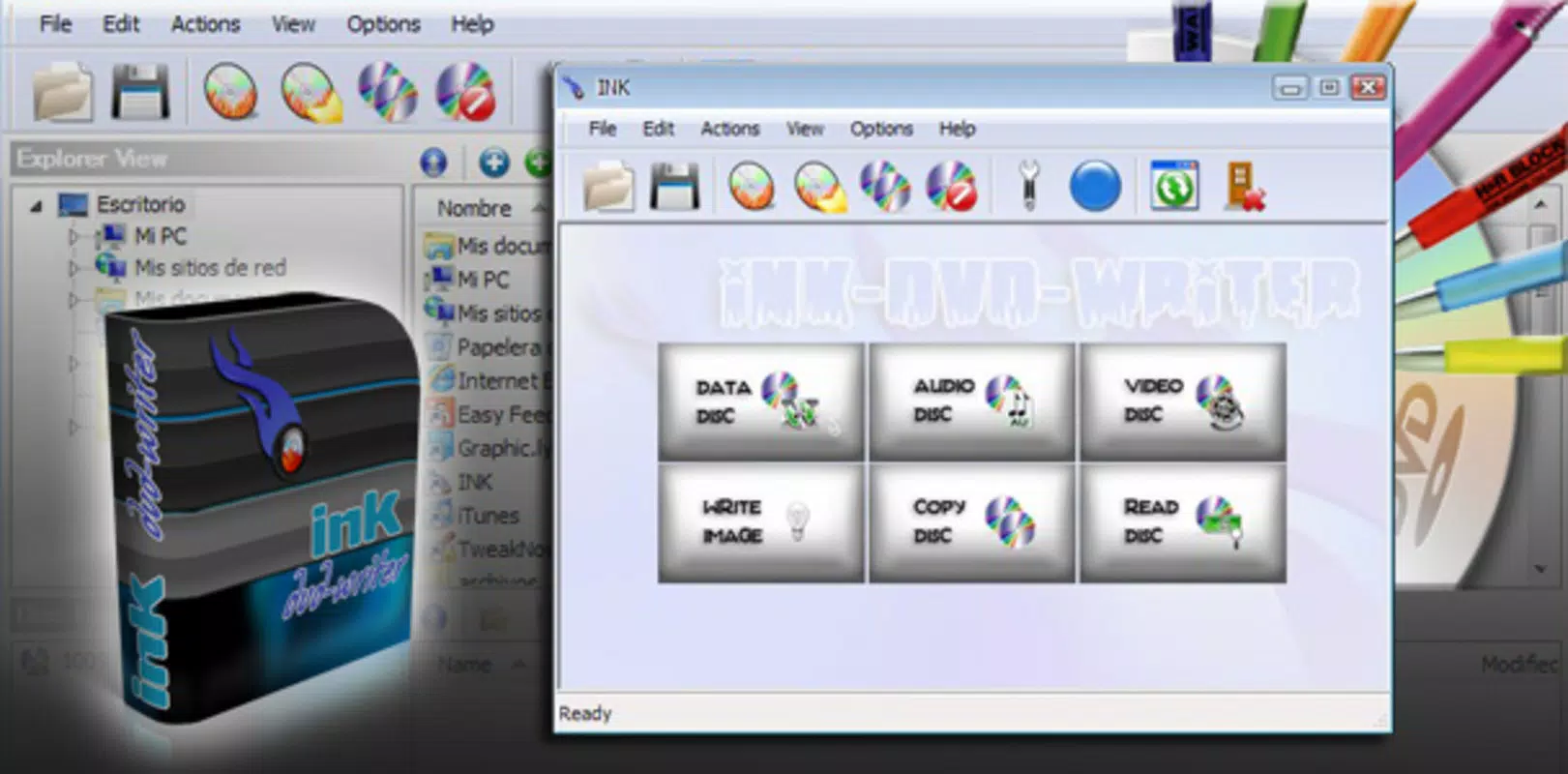
- User-Friendly Interface: The main window features a clean, intuitive layout that clearly displays essential options for burning and copying discs. This design ensures that users can quickly locate functions without confusion, reducing the learning curve for new users.
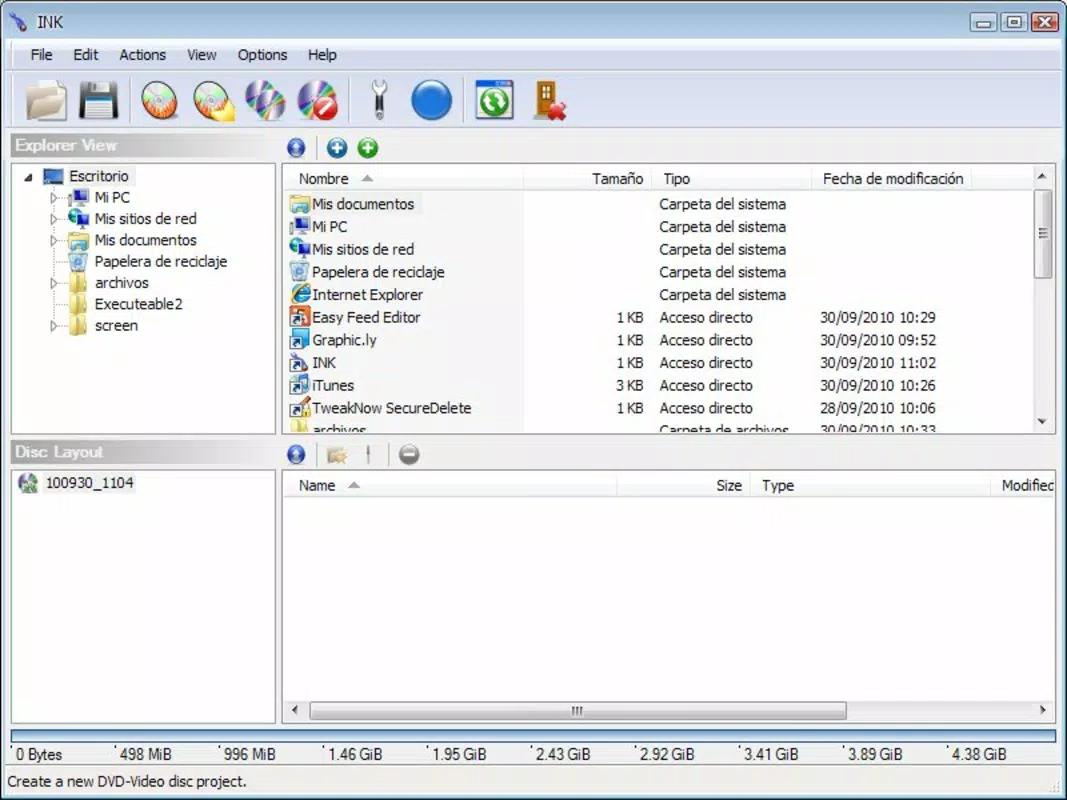
- Drag-and-Drop Functionality: Users can effortlessly drag files directly into the application window, significantly accelerating the preparation phase of disc creation. This feature eliminates the need for complex file selection processes, allowing for one-click initiation of the burning process.
- Multi-Format Support: The app supports various content types, including data files, music tracks, and video formats. This versatility enables users to create discs tailored to their specific use case, whether for personal backups or sharing multimedia content.
- Image Creation and Reading: Ink DVD-writer allows users to generate and read CD/DVD image files. This capability enhances the app’s utility by enabling virtual disc management, backup, and easy transfer between devices.
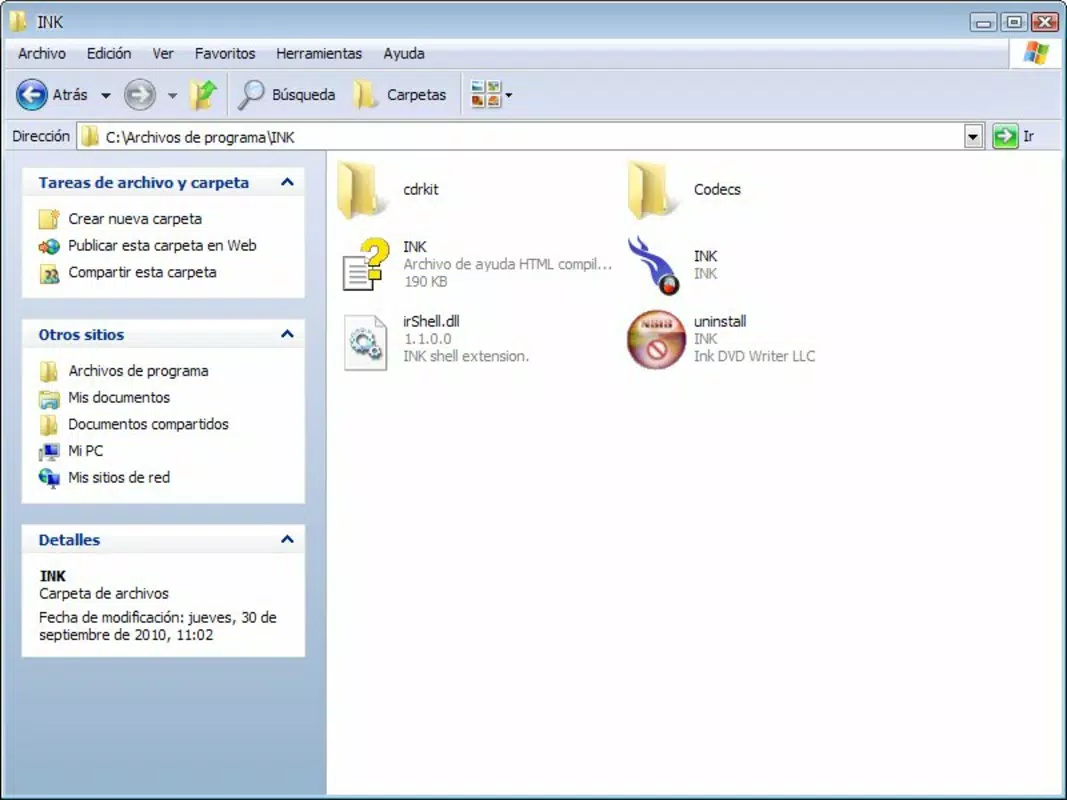
- Compact Design and Low Resource Usage: The software is engineered to occupy minimal hard drive space and consume very little system resources. This efficiency ensures smooth operation even when running alongside other applications, making it ideal for older or low-spec devices.
For example, a user preparing a music compilation for a friend can drag audio files into the app, burn them to a disc in minutes, and save the image file for future reuse. Similarly, a student archiving research materials can use the app to create a data disc without slowing down their laptop. These real-world applications highlight the app’s practicality and reliability in everyday workflows.
Interface, UX & Performance
The interface of Ink DVD-writer is designed with simplicity and clarity in mind. The layout presents core functions in a logical, uncluttered manner, minimizing visual distractions. Navigation is intuitive, with essential tools positioned for quick access, contributing to a seamless user experience.
Although the developer did not list formal performance metrics, the app’s resource-efficient design suggests it performs reliably across various device categories. Users can expect responsive interactions, even on devices with limited processing power or memory. The drag-and-drop feature enhances usability by reducing the number of steps required to initiate a burn operation.
Stability appears to be a strength, as the app maintains consistent performance during repeated use. The absence of reported crashes or errors in available documentation indicates a stable foundation. However, compatibility with modern operating systems and hardware configurations remains uncertain, as no specific system requirements were disclosed.
Platform Compatibility & Technical Requirements
Ink DVD-writer is available for the Windows platform, supporting the operating system version at the time of its release in 2010. The app’s file size is reported as minimal, reflecting its compact design and low resource footprint. Specific version requirements were not listed by the developer.
The developer did not specify minimum OS requirements or compatibility with newer Windows versions. As such, users should exercise caution when attempting to install the software on modern systems. It may function on legacy environments or through compatibility modes, but official support cannot be guaranteed.
Pros and Cons
Pros
- Minimal hard drive space usage
- Low system resource consumption
- Simple, intuitive interface
- Efficient drag-and-drop file management
- Supports multiple content types and image file operations
Cons
- No official compatibility information for modern operating systems
- Limited technical details provided by the developer
- Release date indicates potential outdated technology
- No visible update history or developer support
- Platform availability not confirmed beyond Windows
FAQ
Is Ink DVD-writer safe to download and install?
The app is designed as a lightweight utility and does not contain known malware. However, users should ensure they download it from a trusted source to avoid tampered versions.
Can I use Ink DVD-writer on Windows 10 or 11?
Compatibility with Windows 10 or 11 is not officially confirmed. The app was released in 2010, and while it may function through compatibility modes, it is not guaranteed to work on newer systems.
Does Ink DVD-writer support burning Blu-ray discs?
The app is designed for CD and DVD burning only. There is no indication of Blu-ray support in the provided information.
Can I create disc images with this software?
Yes, Ink DVD-writer allows users to create and read CD/DVD image files, enabling virtual disc management and backup.
Is there a free version of Ink DVD-writer available?
The app is available for free, but no pricing details were provided. Users should verify the source to ensure they are downloading the legitimate version.
Final Thoughts
Ink DVD-writer remains a notable utility for users who value simplicity, efficiency, and low system impact when burning CDs and DVDs. Its lightweight design, drag-and-drop functionality, and support for multiple formats make it a practical choice for archiving data, creating music discs, or managing disc images. While its age raises compatibility concerns, it continues to serve a niche audience seeking no-frills disc management tools.
For individuals using older systems or those who prioritize minimal resource usage, Ink DVD-writer offers a reliable, straightforward solution. Its enduring presence in the software landscape underscores the ongoing need for efficient, dedicated utilities in an era dominated by cloud storage and digital distribution.
Download Ink DVD-writer now


